 Zastosowanie
A random picker for teachers: 7 ways to use one in class
Na tej stronie
A random name picker is one of the cheapest classroom upgrades available. It costs nothing, takes 30 seconds to set up, and replaces a dozen small daily decisions where a teacher would otherwise be implicitly making a choice — and being remembered for it. This post is a practical inventory of the seven moments in a school day where a random picker actually earns its keep, plus the privacy and equity considerations that matter when you're using a tool with a class full of minors.
Why random beats deliberate (most of the time)
Teachers tend to think they're picking students fairly. Studies on this disagree. Without help, even experienced teachers tend to call on the same students disproportionately — often the ones who raise their hand most, the ones sitting in the front, the ones whose names come most easily to mind. None of these are bad people; they're patterns of attention everyone has.
A random picker replaces that pattern with a roll of the dice. Used consistently, it changes the social texture of a class:
- The students who don't volunteer learn that "not raising my hand" doesn't actually exempt them from being called on.
- The students who always volunteer learn that they don't have a guaranteed slot, so they listen to other people's answers more.
- The teacher stops being the "person who picks people," which removes a small but constant source of social friction.
Used inconsistently, it does the opposite — students learn that the picker is theatre. So the rule is: once you start using one, use it every time you'd otherwise pick by hand.
The seven moments
1. Cold-call replacement
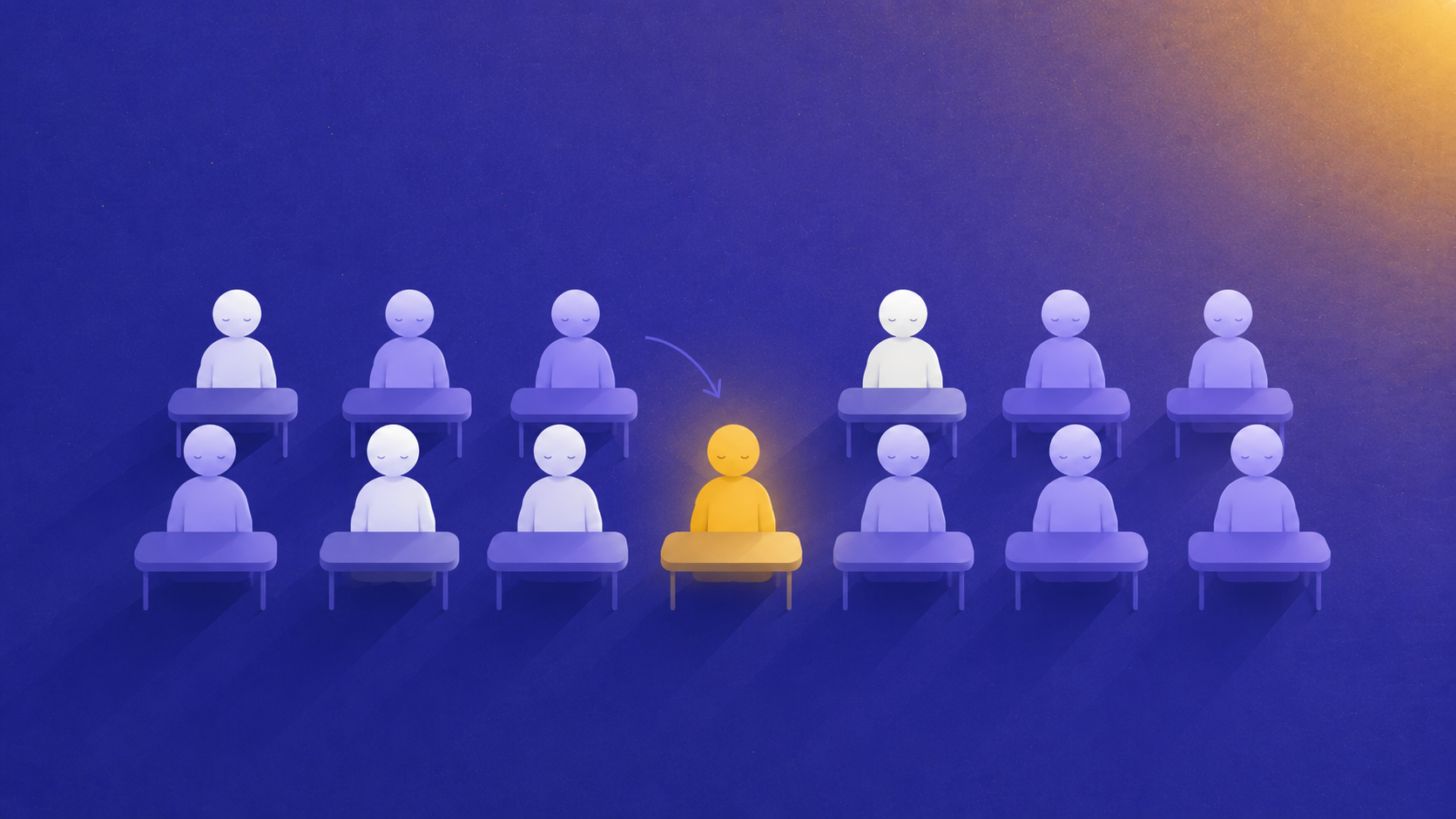
The most common use. Instead of "Alice, what do you think?" — "Let's see who answers." Click. The picker shows a name. That student answers (or passes, if you allow passing). This works at every age level and every subject. The neuroscience is well-established: the unpredictability raises everyone's attention because everyone could be next.
A small refinement: pair the picker with a "wait time" of 5-10 seconds before you reveal the name. "I'm going to ask the question. Think about your answer. Then I'll click." That way, the picker doesn't replace thinking — it adds one more reason to think.
2. Team formation for activities
Already covered in its own post. The headline: random teams beat captain-picked teams on every dimension that matters for a 20-minute classroom activity. Use a dedicated team picker for this; a single-name picker doesn't balance team sizes.
3. Order of presentation
For oral presentations, posters, lab demonstrations: the order matters more than people think. Going first means you set the tone but don't get to learn from others; going last means you've sat through 28 versions of the same thing but you remember everyone's. Random ordering removes the "who volunteers first" negotiation and distributes the slots fairly.
The ritual: paste the class list once at the start of the term, draw the order on the day of the presentations, write it on the board.
4. Random reading
For texts you're reading aloud as a class — a paragraph each, a line each, a character each — a picker dispenses the assignments without anyone gaming the page-counting math. It also breaks the "good readers volunteer, bad readers hide" pattern that otherwise persists for months.
If you have students who would genuinely struggle to read aloud (English language learners, severe anxiety), use the exclusion feature so the picker never lands on them, but don't announce who's excluded. The asymmetric inclusion stays private.
5. Job assignments and rotations
Who's responsible for cleaning the lab bench? Bringing the prop box back? Resetting the chairs? A weekly draw using the classic picker takes the politics out of it. Bonus: the students take it more seriously when "you got picked" is provably random than when "I'm asking you" is the teacher's call.
For a fair rotation across the term, redraw weekly but keep a written list of who's already done each task, and exclude them from that role until everyone's had a turn.
6. Tiebreakers
Two students both want the last spot at the science museum field trip. Two groups both want the same project topic. Two volunteers both want to feed the class hamster over the holidays. The picker is the perfect Solomon: it makes the call, the call is final, and no one can blame you for the outcome.
The trick is to commit to abiding by the result before you click. If you click and then say "actually let's discuss" you've just taught the class that the picker is performative. Always honour the call.
7. Reset moments
Sometimes the class is restless and you need a 30-second focus reset. "Eyes on the board — I'm picking the person who tells me what we just covered." Three seconds of suspense, one name, one quick recap, back to the lesson. It works because the threat of being called on isn't punitive; it's just a piece of unpredictability.
The privacy and consent layer
Anything used with a class of minors deserves a thirty-second privacy check. Here's what to verify with whatever tool you choose:
- No sign-up required. A school account or login means student names are sitting on a server somewhere, often outside the EU, with unclear retention. Avoid it.
- No analytics tracking individual students. "Cookie-free" or "no tracking" should be the baseline.
- Names stay in the browser. The good tools encode the participant list in the URL fragment (after the
#), which never leaves the browser tab. Bad tools store the list server-side under your account. - Compliant with whatever your school district mandates. In France, this is the CNIL guidance; in the EU more broadly, GDPR; in the US, COPPA for under-13. Ask your school's IT or DPO if unsure.
Plouf-Plouf is built around exactly these constraints: no sign-up, no tracker, no cookie, names stay in the browser. If your school's IT requires a vendor questionnaire, the answer to all of "what data do you collect" is "none."
Common worries and how to handle them
"What if a student gets picked twice in a row by chance?" It happens — randomness clusters. If a student is picked on Monday and you're worried about them being picked again on Tuesday, use the exclusion feature for that day. Or just acknowledge it: "the universe wants to hear from Alice today, apparently."
"What about students who are absent?" Either remove them from the list before drawing, or have a "skip" rule (if the picker lands on an absent student, click again). Pick one and stick to it.
"My older students think it's babyish." They tend to forget about it within a week of consistent use. The students who roll their eyes loudest are usually the ones who benefit most from the new equity.
"It feels impersonal." Counter-intuitively, random selection is more personal than always calling on the loudest hands — because it ensures everyone's turn. The "personal" in "Alice, what do you think?" is selection bias dressed as warmth.
Make it a class fixture, not a tool you remember sometimes
The biggest mistake teachers make with random pickers is reaching for them only when they don't know who to pick. That sends the message that the picker is for hard cases — which makes it socially loaded. Instead, use it as your default for one or two specific moments (cold calls, team formation) and use it every single time. Within a month, the class doesn't notice it anymore — which is exactly what you want. Background infrastructure, not theatre.
A free, no-account random name picker is the lowest-friction way to start. Open it on your projector, paste the class list once, and you have it for the rest of the year.
Powiązane artykuły
 Poradnik
Fair team picker for the classroom: a teacher's guide
How to split a class into balanced teams without arguments — methods, common pitfalls, and a free no-signup tool that runs in your browser.
5 min czytania Wyjaśnienie
Random name picker online: how it works and what to look for
A practical guide to picking names randomly online — what makes a draw actually fair, what to avoid, and which features matter for real-world use.
5 min czytania